
The HDMI Cable You Need, at the Length You Actually Use
Buy an HDMI cable by your complete signal path, required features and realistic cable route.
Our advice is based on published information and practical buying considerations, not hands-on testing. Product links in this article are direct manufacturer links. If a link earns us a commission, we label it. Read our affiliate disclosure.
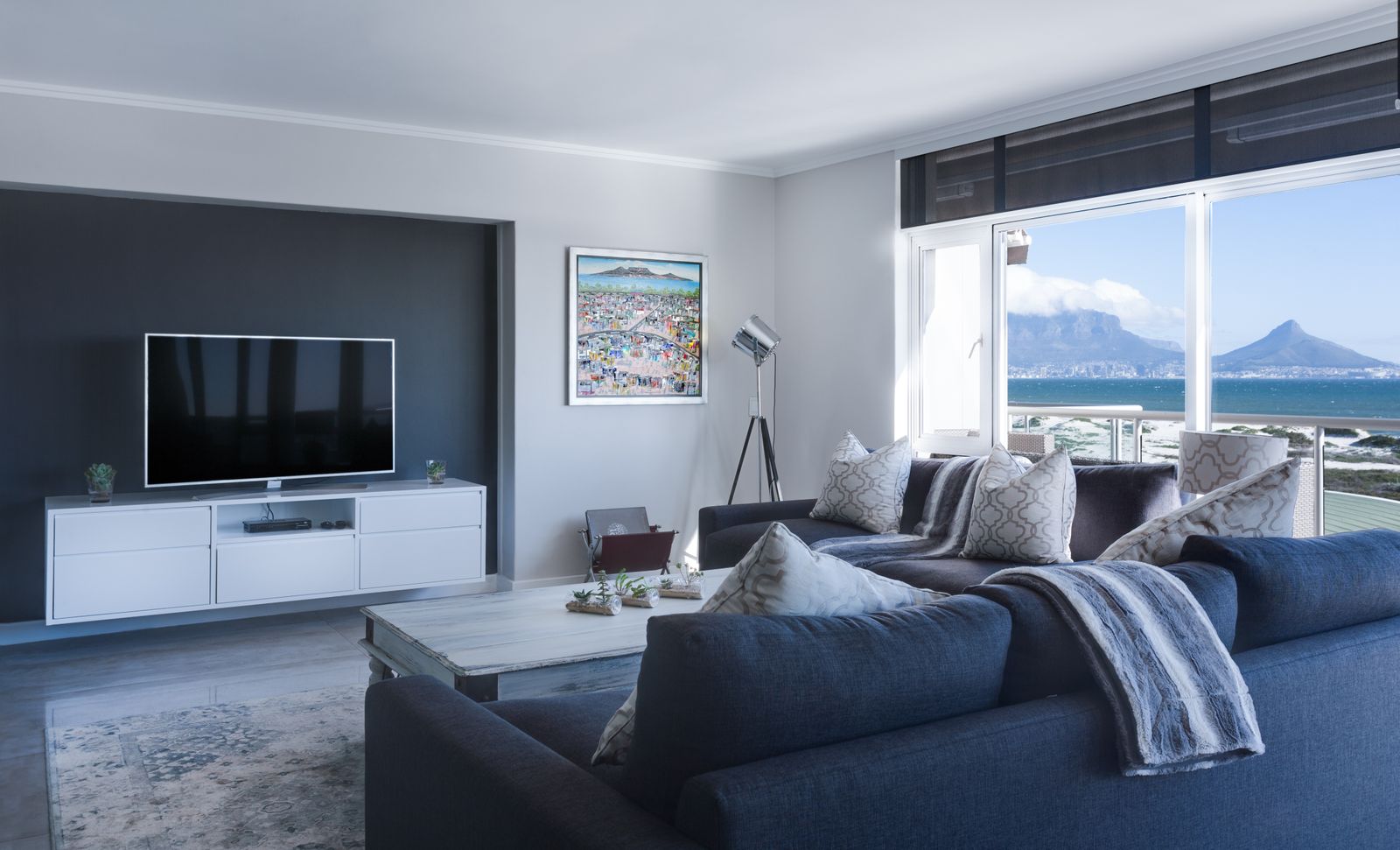
The new television is on the wall, the console is in a cabinet and the cable that came in the box stops just short of the route you planned. Online listings offer an overwhelming mix of version numbers, premium materials and dramatic picture claims. The useful choice is simpler: a suitable cable, long enough for the route, with documented support for the signal you need.
The practical verdict
Start with the source, display and any device between them. Identify the resolution, refresh rate and features you intend to use, then choose a cable with appropriate documented capability. The StarTech.com HDMM2M High Speed HDMI Cable is a concrete product to investigate, but the exact model and length must match your requirements.
Buy for the complete connection
| Setup | First question | Common mistake |
|---|---|---|
| Streaming device to television | What output will you actually use? | Paying for unused capability |
| Console through a receiver | Does every device support the desired signal? | Blaming the cable for a receiver limitation |
| Wall-mounted television | How long is the full routed path? | Measuring only the straight-line distance |
| Computer to high-refresh display | What does each port support? | Assuming all ports on a device are identical |
Write down the exact ports you plan to use. A television or receiver can offer different capabilities on different inputs. Read the device documentation before ordering a cable, especially when a particular gaming or audio feature matters. The weakest unsupported part of the chain can limit the result.
Separate connector shape from capability
An HDMI plug can physically fit while the cable is unsuitable for the intended signal. Look for clear specifications and, where relevant, a recognized certification for the cable category. Avoid relying on a vague promise that the cable is compatible with the newest equipment.
Marketing references to a version number can be less useful than an explicit statement of the supported signal and features. Compare the manufacturer's exact model information. If the listing mixes several lengths or variants, make sure the claims apply to the one in your basket.
Measure the route, not the gap
Follow the planned cable path from port to port, including the descent behind the television, turns around furniture and distance into the cabinet. Leave reasonable slack for connecting devices and moving them for maintenance. Avoid a taut cable pulling on a socket.
At the same time, an unnecessarily long cable creates more material to hide and can complicate signal reliability at demanding settings. Choose a practical length rather than automatically buying the longest option. For long runs, investigate the appropriate cable technology and installation requirements instead of extending an ordinary short-run assumption indefinitely.
Installation details can make or break the plan
Check connector clearance behind a wall-mounted screen and the space needed for gentle bends. Do not force the cable into a sharp turn to close a cabinet. If the cable is directional, follow its labeled source and display orientation before routing it through a difficult path.
An in-wall installation can introduce building and cable-rating requirements. Use a product suitable for that installation and obtain qualified help where appropriate. Test the complete connection before concealing the cable; replacing a failed run is much easier while everything remains accessible.
Better compatibility is not magical picture enhancement
A suitable digital cable carries the supported signal reliably. Expensive materials do not automatically improve an already functioning picture. The reason to replace a cable is an identifiable need: a longer route, a required capability, physical damage or a reproducible connection problem.
For troubleshooting, simplify the chain and test the desired output settings. Check device configuration, ports and firmware guidance as well as the cable. If a direct connection works but a receiver path does not, the intermediate equipment deserves attention before you order another premium lead.
Where the StarTech.com option fits
Use the exact StarTech.com product page to compare its current specifications, length and compatibility statements with your setup. This article does not claim an independent signal test or that the cable improves color quality over another functioning cable. The recommendation is to buy a documented match from a source with clear return terms.
Before ordering
- Record the source, display and intermediate devices.
- Identify the intended resolution, refresh rate and features.
- Check the capabilities of the exact ports.
- Measure the complete route with sensible slack.
- Verify certification, length and installation suitability.
- Test before hiding the cable or finishing wall work.
Frequently asked questions
Should I replace a cable that already works?
Not without a reason. Keep it if it reliably supports the features and layout you use.
Does a more expensive cable improve color?
Not simply because it costs more. Focus on reliable support for the required digital signal.
Can I join several cables to reach farther?
Adapters and joins can complicate a demanding connection. A suitable continuous run is often simpler, with the exact choice based on distance and equipment requirements.
Explore the options
Use the manufacturer’s current specifications to confirm the exact version, compatibility and return terms before buying. Prices and availability can change.
StarTech.com HDMM2M High Speed HDMI Cable
Why consider it: A specific HDMI cable to compare against the connection requirements of your devices.
The tradeoff: Verify the exact certification, supported features and length rather than relying on marketing shorthand.
Explore at the manufacturer ↗Sources & further reading
Source information checked September 30, 2026. Product revisions and regional availability may differ.
See something that needs correcting? Contact our editorial inbox.
Keep exploring
View all
Choosing a TV for a Bright Living Room
Work around windows, reflections, and daytime viewing before spending more on a new television.

OLED vs. Mini-LED for Evening Movies
Choose a movie-night television around room lighting, subtitles, seating, and the content you actually watch.

Projector or TV for an Apartment? Start With the Room
A realistic guide to screens, throw distance, daylight, cables, and rental-friendly movie nights.