
Choose a Car Phone Mount Around Your Actual Commute
Compare mounting positions, case compatibility, charging, and visibility before changing the dashboard.
Our advice is based on published information and practical buying considerations, not hands-on testing. Product links in this article are direct manufacturer links. If a link earns us a commission, we label it. Read our affiliate disclosure.
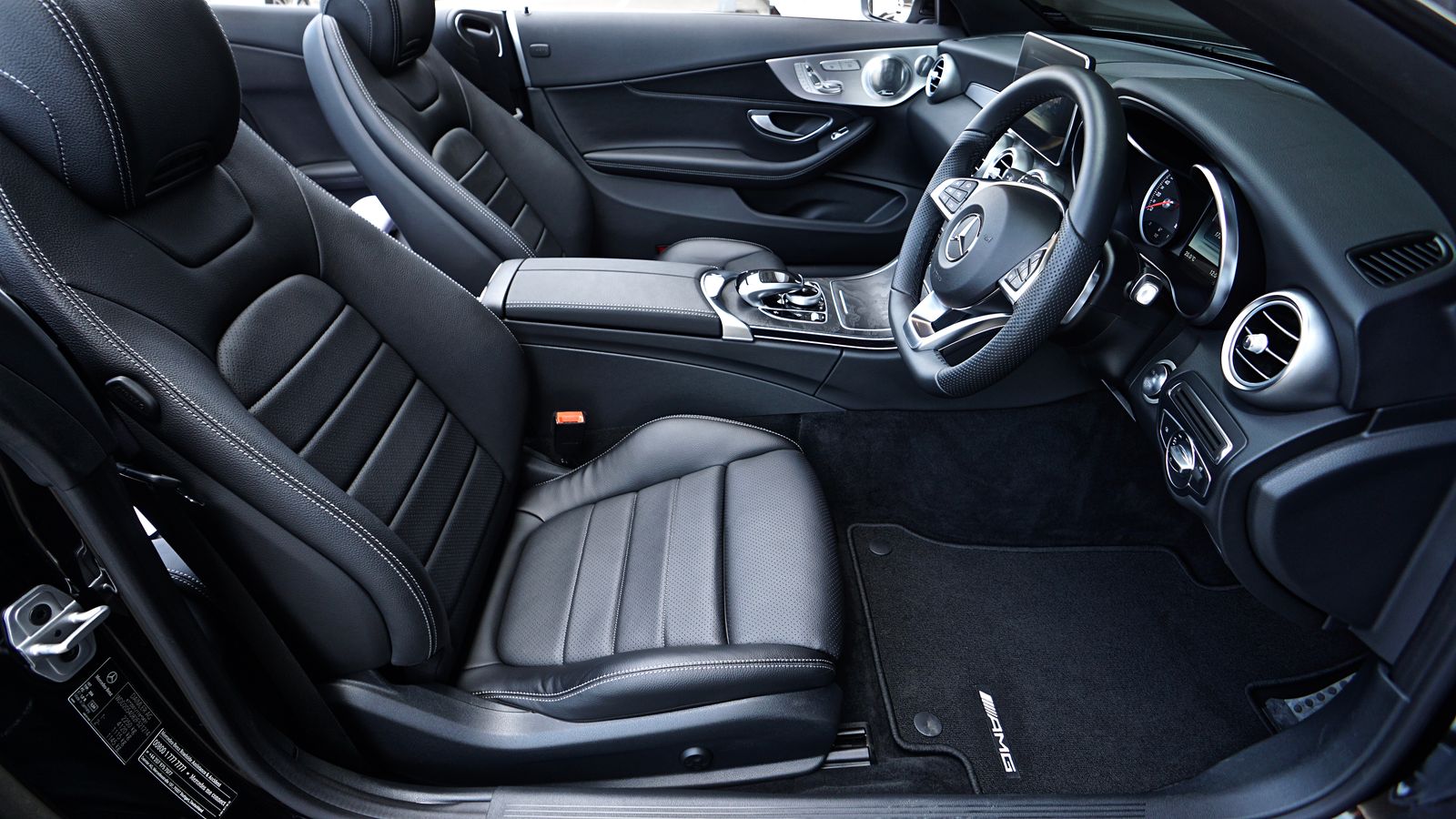
The navigation voice is clear, but the phone keeps sliding into the passenger-seat gap. A mount can make the journey less frustrating, yet the wrong position can block a vent, obscure a control, or distract from the road. Choosing one starts with the vehicle interior and local rules, not with whichever magnetic accessory looks neatest online.
The short recommendation
First decide whether the car's built-in navigation or supported phone integration already solves the problem. If a mount is needed, choose a position that preserves visibility and access to essential controls, then select compatible hardware. Set the route before moving and stop safely before making adjustments. A mount holds the phone; it does not make interacting with it while driving harmless.
| Interior and routine | Option to investigate | Main compromise |
|---|---|---|
| Suitable stable dashboard surface | Approved adhesive mount | Surface compatibility and removal |
| Compatible sturdy vent | Vent-specific mount | Airflow and vent design limitations |
| Shared car with different phones | Adjustable compatible holder | Repeated fit changes |
| Long navigation sessions | Supported charging mount | Heat, power, and cable management |
Inspect the mounting location
Sit in the normal driving position while parked and consider sight lines, steering movement, controls, and airbag areas. Consult the vehicle manual and applicable mounting restrictions. Do not install a device where it interferes with safety equipment or the driver's view. If the only available position is awkward, a different navigation arrangement may be preferable.
Vent mounts depend on the vent's construction. A design that works on one vehicle may grip poorly or stress a different vent. Adhesive mounts depend on surface shape and material, preparation, and installation conditions. Follow the mount manufacturer's instructions rather than adding improvised glue or assuming every textured dashboard is suitable.
A product to compare against the car
Peak Design's Car Mount is a documented magnetic accessory with charging and non-charging options on its official page. Research the exact variant, phone or case requirements, installation guidance, and compatible surface. Its presence here is not an endorsement for every vehicle. The safest useful mount is the one that fits the specific interior without creating another obstruction.
Check whether the phone case supports the intended magnetic attachment. A metal plate or wallet accessory may change compatibility, particularly with charging models. Read the complete requirements instead of assuming that any case marketed as magnetic will work equally well. Test attachment while parked before relying on the mount on a normal journey.
Charging deserves a separate decision
A charging mount adds convenience but requires a compatible power source and cable. The mount's advertised capability does not mean the car's existing USB port supplies everything it needs. Verify the power adapter and complete connection recommended by the manufacturer.
Navigation, sunlight, and charging can all contribute to a warm phone. Keep the setup within the phone manufacturer's operating guidance and respond to temperature warnings. Do not position equipment so that a cable drapes across controls or becomes caught around the gear selector. A non-charging mount can be sufficient for short trips and avoids unnecessary complexity.
Shared vehicles need repeatable setup
If several people use the car, consider how easily the mount adjusts without loosening its base. Check that larger phones do not cover essential controls in landscape orientation. Keep the setup simple enough that drivers do not spend the first minutes of a trip trying to fix it while moving.
For rentals or leased cars, understand removal requirements before choosing an adhesive installation. A portable option can be convenient, but it still must fit the actual vehicle and local rules. Do not assume temporary mounting is automatically secure or permissible.
When to skip a new mount
Skip the purchase if the car already provides reliable navigation through a suitable built-in display and the phone can stay stored safely. Also avoid buying multiple adapters to rescue a fundamentally poor mounting location. Changing the plan is better than accumulating hardware around an obstructed dashboard.
The worthwhile upgrade is a predictable parked setup: route chosen, phone secured, charging arranged if needed, and controls left alone while driving. That routine matters more than an extra rotation joint or a dramatic product video.
Before installation
- Check vehicle guidance, airbag areas, and local mounting rules.
- Assess the view and controls from the driving position.
- Verify surface, vent, phone, and case compatibility.
- Match charging hardware to the documented requirements.
- Route cables clear of controls and moving parts.
- Set up and test only while safely parked.
Frequently asked questions
Is magnetic mounting automatically secure?
No. Security depends on the supported phone or case, mount, surface, and installation. Follow the exact product guidance.
Should everyone choose wireless charging?
No. Short trips may not require it, and charging adds power and heat considerations.
Can I move an adhesive mount between cars?
Only as the manufacturer permits. Adhesive systems may require replacement components and fresh surface preparation.
Explore the options
Use the manufacturer’s current specifications to confirm the exact version, compatibility and return terms before buying. Prices and availability can change.
Peak Design Car Mount
Why consider it: A documented mount family with charging and non-charging choices.
The tradeoff: Vehicle surface and phone compatibility must be checked; mounting does not remove driving-distraction risks.
Explore at the manufacturer ↗Sources & further reading
Source information checked September 30, 2026. Product revisions and regional availability may differ.
See something that needs correcting? Contact our editorial inbox.
Keep exploring
View all
How to Choose a USB-C Travel Charger Without Packing Three
Build a travel charging kit around actual devices, shared output, cable ratings, and the outlets you will use.

The Day-Trip Power Bank: Enough Reserve Without the Brick
Choose a portable battery for maps, photos, and late trains with attention to weight, cables, and air-travel rules.

Upgrade Your Smartphone—or Fix the One You Already Like?
A practical decision framework for battery replacement, storage problems, software support, and genuine reasons to buy a new phone.