
E-Reader or Tablet for the Last Chapter Before Bed?
Choose a reading device around books, distractions, library access and how you read at night.
Our advice is based on published information and practical buying considerations, not hands-on testing. Product links in this article are direct manufacturer links. If a link earns us a commission, we label it. Read our affiliate disclosure.
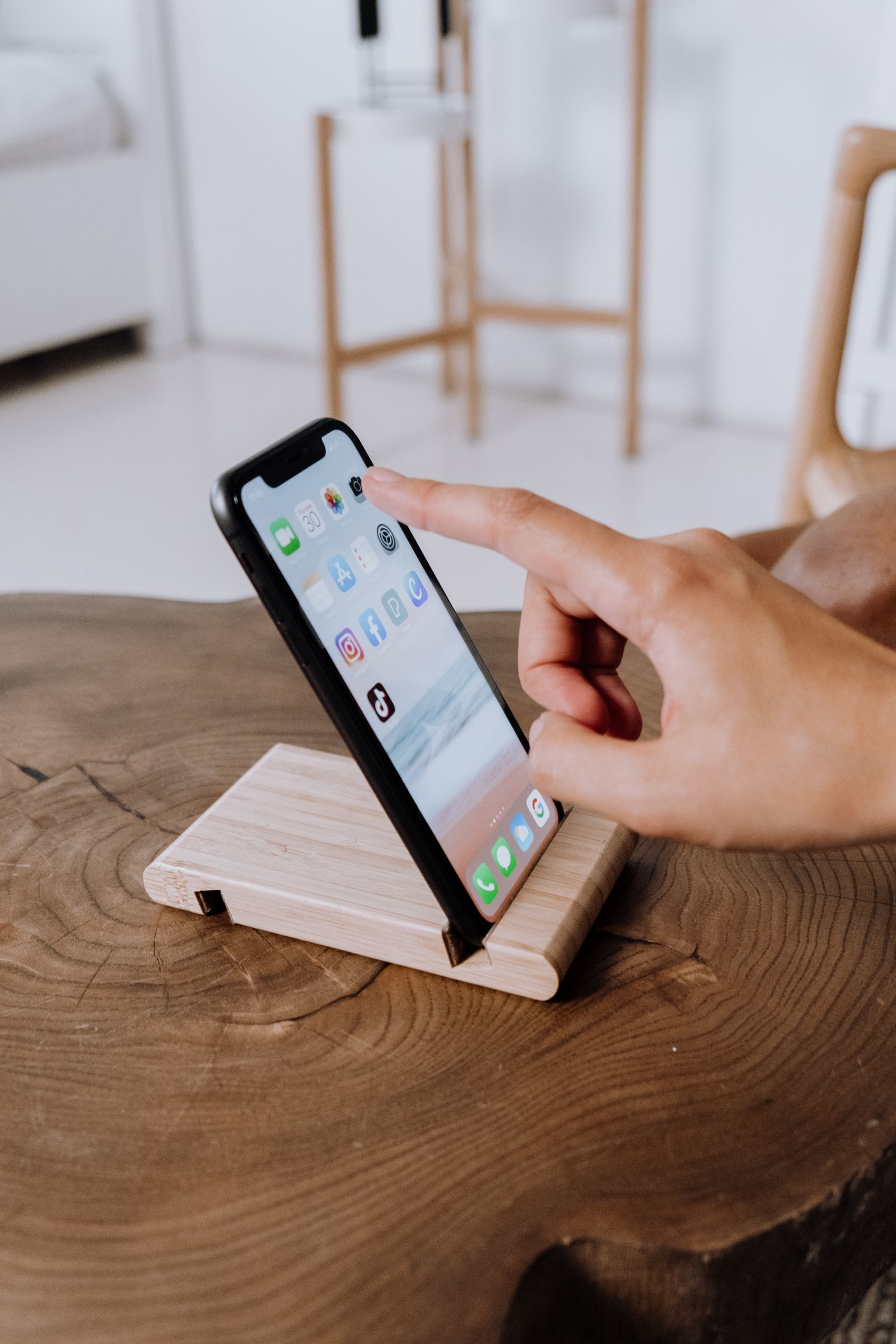
You open a novel on a tablet and, three notifications later, find yourself reading messages instead. A dedicated e-reader seems appealing, but the same tablet is also where you read magazines, borrowed comics and illustrated cookbooks. The right bedtime device depends on the material and the habits you want to support.
The practical verdict
Choose a dedicated e-reader for long sessions with mostly text-based books and fewer competing applications. Choose a tablet when color, complex layouts or multiple reading services are central to the routine. The PocketBook Verse is a specific e-reader to investigate, but check your books and library access before committing to a new ecosystem.
Compare the reading, not just the device
| Reading habit | Stronger starting point | Main compromise |
|---|---|---|
| Novels and narrative nonfiction | Dedicated e-reader | Less flexible for complex visual content |
| Color comics and magazines | Tablet | More distractions and a different screen experience |
| Several reading apps and subscriptions | Tablet | A broader device to manage at bedtime |
| Quiet reading with a simple routine | Dedicated e-reader | Store and file compatibility matter |
Look at the last five things you actually read. A purchase based on an idealized future reading habit may not fit the books already waiting for you. If those books contain maps, charts or full-color illustrations, inspect how the content will display on the intended device.
Comfort includes weight and position
A device that feels light while standing in a shop can still become tiring when held above a pillow. Consider how you read: sitting upright, lying on your side or resting the device on a support. Screen size and case weight both affect the experience.
Font size, line spacing and margins can make a substantial difference to text comfort. Check the controls available for the formats you use. A fixed-layout document does not necessarily respond like a reflowable ebook, so do not assume every PDF will become easy to read simply because the device is marketed for books.
Treat lighting as a preference to manage
Compare the actual display and lighting controls rather than relying on sweeping claims about healthier reading. A comfortable brightness in a dark bedroom is different from one in daylight. If you share the room, consider how the device affects the other person's sleep as well as your own comfort.
This guide does not promise a medical or sleep benefit from a particular screen. Reading duration, notifications and bedtime routines also matter. A tablet with distractions silenced may suit one reader, while another prefers a dedicated device that makes switching activities less tempting.
Your existing books are the key compatibility check
List where your books come from: purchases, library loans, subscriptions or personal files. Check the device's supported services and formats in your country. Digital rights restrictions can prevent a purchased book from moving freely between platforms, even when the underlying file extension looks familiar.
Library support depends on your library, region and service. Confirm the complete borrowing workflow rather than assuming a device will connect to every public library. If borrowed books are your main source, solve that question before comparing cases or storage capacity.
Where PocketBook Verse fits
The Verse is a dedicated reading option to compare for a mostly text-focused library. Review the current official page for its display, supported features and regional availability. This is not a hands-on comparison with a tablet, and it does not claim a measured battery or reading-comfort advantage.
A tablet remains sensible when you also annotate visual documents, use several proprietary reading apps or need color content. If you already own one, try a week with notifications disabled and a dedicated reading layout before buying another device. The experiment can reveal whether hardware or distraction is the real obstacle.
Who should skip a dedicated e-reader?
Readers who mainly use large PDFs, color-heavy material or unsupported services should be cautious. A narrowly focused device is useful only when that focus matches the books. Someone who reads occasionally may also get enough value from a phone or tablet they already own.
Buying checklist
- List the sources of your existing books.
- Verify regional library and service support.
- Compare text controls for your actual file formats.
- Consider device and case weight in bed.
- Check lighting controls without assuming health benefits.
- Try reducing tablet distractions before replacing it.
Frequently asked questions
Can every ebook move to a new e-reader?
No. Store restrictions and supported formats can limit transfers. Check the books you own before changing platforms.
Is an e-reader good for PDFs?
It depends on the document and device. Fixed layouts and small text can be awkward on a compact screen.
Do I need both devices?
Only if they serve distinct needs. A dedicated novel-reading device and a tablet for visual material can coexist, but that is a preference rather than a requirement.
Explore the options
Use the manufacturer’s current specifications to confirm the exact version, compatibility and return terms before buying. Prices and availability can change.
PocketBook Verse
Why consider it: A dedicated e-reader to investigate for primarily text-based reading.
The tradeoff: Books, library services and file support need checking against your own collection.
Explore at the manufacturer ↗Sources & further reading
Source information checked September 30, 2026. Product revisions and regional availability may differ.
See something that needs correcting? Contact our editorial inbox.
Keep exploring
View all
How to Choose a USB-C Travel Charger Without Packing Three
Build a travel charging kit around actual devices, shared output, cable ratings, and the outlets you will use.
The Day-Trip Power Bank: Enough Reserve Without the Brick
Choose a portable battery for maps, photos, and late trains with attention to weight, cables, and air-travel rules.
Upgrade Your Smartphone—or Fix the One You Already Like?
A practical decision framework for battery replacement, storage problems, software support, and genuine reasons to buy a new phone.