
Buying Earbuds for Office Calls: Start With Your Workday
A practical guide to call comfort, microphone expectations, connection switching, and choosing earbuds for hybrid work.
Our advice is based on published information and practical buying considerations, not hands-on testing. Product links in this article are direct manufacturer links. If a link earns us a commission, we label it. Read our affiliate disclosure.
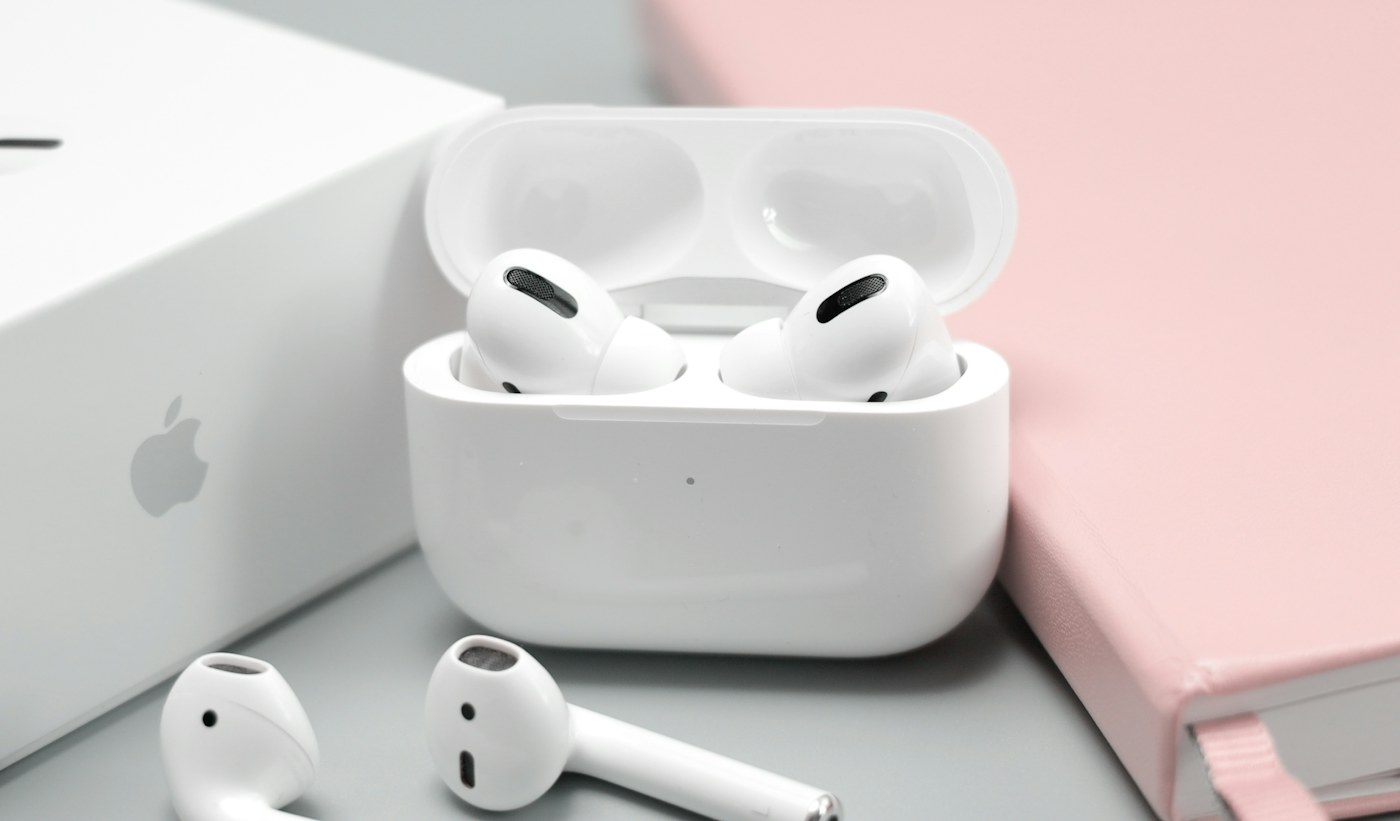
At nine you are taking a video meeting from the kitchen. At eleven you move to a shared office, and at lunch the same earbuds come along for a walk. Buying for this routine means balancing conversation, comfort, and connection behavior. A music-focused feature list cannot tell you whether a pair will make your workday easier.
Choose earbuds for occasional calls and a flexible day. If you spend hours speaking in a noisy room, also consider a dedicated headset with a microphone positioned closer to your mouth. Neither product type can compensate for every poor connection, loud colleague, or badly configured conferencing app.
Three office situations, three priorities
| Work pattern | Prioritize | Acceptable compromise |
|---|---|---|
| Quiet home office, mixed listening | Comfort and simple controls | A dedicated call headset may be unnecessary |
| Shared office, frequent meetings | Microphone placement and predictable mute | A headset may be less portable |
| Phone calls between locations | Secure fit and easy awareness controls | Smaller controls take practice |
| Laptop and phone used together | Documented switching compatibility | Convenience may depend on the platform |
Apple AirPods Pro are a relevant option for an Apple-centered workday. Apple's product information describes noise-control features and integration with compatible Apple devices. Read the compatibility notes for your particular phone and computer; the experience advertised for an Apple setup should not be assumed on every Windows computer or Android phone.
Your voice matters more than your listening bubble
Noise cancellation for the listener and background-noise handling for the person hearing you are separate concerns. A quiet-sounding meeting on your side does not establish that your colleagues hear a clear voice. Be cautious with listings that use a single noise-canceling claim without making that distinction.
During the return period, make a short test call in your usual room. Ask the other person about intelligibility while the fan is running, while you type, and when you turn your head. This is a practical acceptance check you can perform, not a claim that we have measured any model's microphone performance.
For a consistently noisy workspace, changing rooms or choosing a closer microphone may improve the conversation more than buying another pair of compact earbuds. If confidentiality matters, remember that lowering background noise does not prevent nearby people from hearing your spoken replies.
Plan for the second and third meeting
Fit changes with time. Ear pressure that seems minor during a song may become distracting during a long discussion. Check whether different tip sizes are supplied and whether replacement tips can be purchased. If a sealed in-ear design feels uncomfortable, an open design or over-ear headset deserves a place on your shortlist.
Battery planning should follow your calendar, not just a headline listening number. Call use, volume, settings, and device behavior can affect runtime. Leave space between meetings to charge if needed, and keep a wired fallback in the bag when a missed call would be expensive. The fallback does not need to be impressive; it needs to work with your computer.
Avoid paying for the wrong upgrade
Spatial listening, luxury finishes, and extra sound profiles are not the first priorities for spoken meetings. Spend first on comfortable fit, usable controls, and compatibility. Before purchasing, confirm that you can select the intended microphone in the actual conferencing app used by your employer.
Check whether a work computer blocks pairing or limits Bluetooth features. Organizational policies can matter more than product specifications. If IT requires a certified headset, follow that requirement before building a consumer-earbud shortlist.
Purchasing checklist
- Confirm the return rules for opened in-ear products.
- Check your phone, computer, and conferencing application together.
- Identify how to mute without looking away from the screen.
- Look up replacement tips and charging accessories.
- Budget for a simple compatible wired backup.
Skip premium earbuds if the main need is an all-day call station and portability brings little value. A less fashionable headset can be the more purposeful purchase for that situation.
Frequently asked questions
Will noise cancellation make my microphone clearer?
Not necessarily. Listener noise cancellation and microphone processing have different jobs. Evaluate the call itself instead of treating one feature as evidence of the other.
Do I need the same brand as my phone?
No, but some convenience features depend on the device ecosystem. Compare documented compatibility and your work computer's restrictions before paying for integration you cannot use.
Explore the options
Use the manufacturer’s current specifications to confirm the exact version, compatibility and return terms before buying. Prices and availability can change.
Apple AirPods Pro
Why consider it: An option for readers whose workday centers on compatible Apple devices.
The tradeoff: Call performance and work-app behavior still need a real-world check.
Explore at the manufacturer ↗Sources & further reading
Source information checked September 30, 2026. Product revisions and regional availability may differ.
See something that needs correcting? Contact our editorial inbox.
Keep exploring
View all
The Commuter’s Guide to Headphones You Will Actually Carry
Choose commuting headphones around comfort, bag space, awareness, and your daily route—not just noise cancellation.
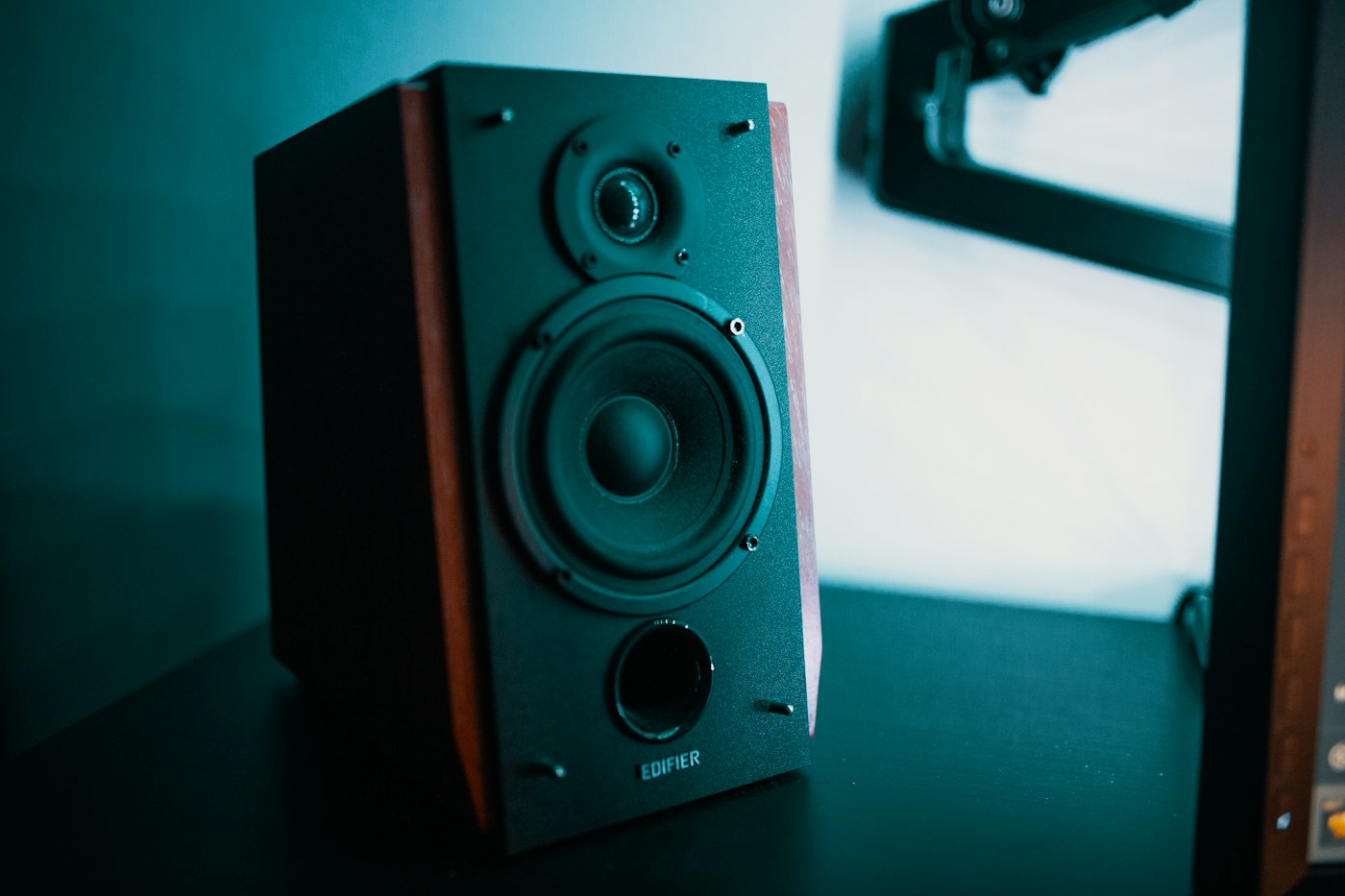
Desktop Speakers for a Small Workspace: Buy the Setup, Not Just the Boxes
How to choose a compact desktop speaker system around desk space, connections, volume controls, and shared rooms.

Choosing an Apartment Soundbar Without Overbuying
Make TV dialogue easier to follow while keeping connections, neighbors, and a small living room in mind.