
A Phone Tripod for Family Videos: Stability Before Extras
Choose a safe, practical phone support for birthdays, calls, cooking clips, and family memories.
Our advice is based on published information and practical buying considerations, not hands-on testing. Product links in this article are direct manufacturer links. If a link earns us a commission, we label it. Read our affiliate disclosure.
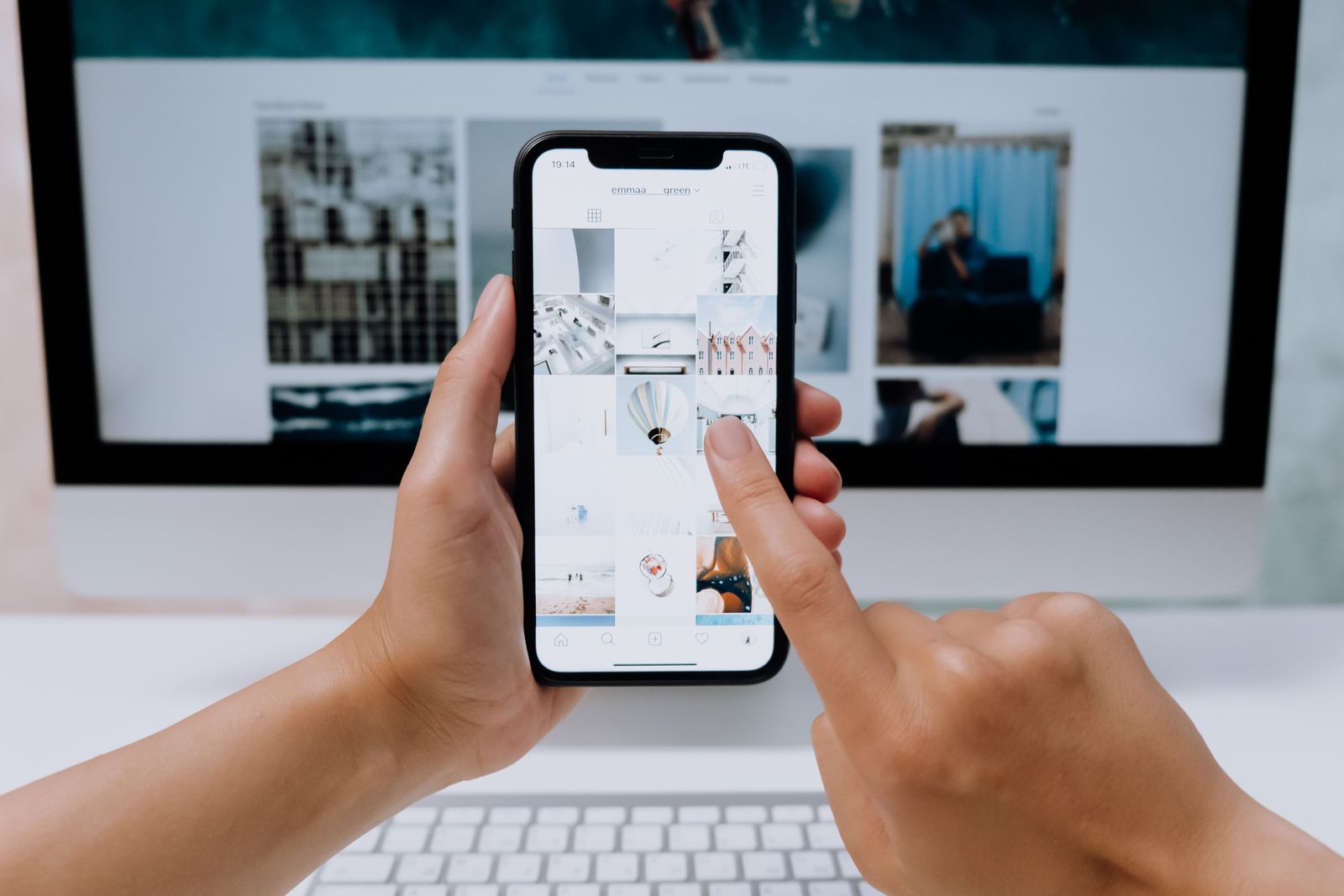
You have found a good angle for a birthday video, but the phone is leaning against a mug and slowly sliding down. A tripod is a modest upgrade that can solve this problem without turning the gathering into a film production. The right choice depends on where the phone needs to sit, who might bump it, and whether someone should appear in the frame without holding the camera.
The short recommendation
For a table or shelf, start with a compact support that securely fits the phone and case. For standing-height family portraits, choose a stable full-height tripod with a suitable phone mount. Do not confuse those two jobs. A tiny tabletop tripod is convenient to carry but cannot create eye-level framing in the middle of a room without another safe surface.
| Recording situation | Support to consider | Main limitation |
|---|---|---|
| Video call at a table | Compact tabletop tripod | Depends on table height |
| Whole-family portrait | Full-height tripod and phone clamp | More storage and floor space |
| Cooking clip | Secure support outside the work area | Heat, steam, and spill exposure |
| Travel group photo | Small stable support | Uneven ground and crowd movement |
Start with the mounting system
Measure or identify the phone and the case you actually use. A clamp needs an appropriate opening range and should not press side buttons. A magnetic accessory requires the compatible attachment system described by its manufacturer. Never assume that a phone sticking briefly to a magnet establishes a secure, supported fit for recording around children.
Peak Design's Mobile Tripod is a real compact option to investigate when a tabletop support is the goal. Read its current compatibility requirements before ordering, including the supported phone-case or attachment arrangement. Its small format should be evaluated as a portable support, not as a replacement for a full-height family-photo tripod. This recommendation is based on the product's intended role, not hands-on testing.
Frame the people before selecting the height
Place the phone roughly where it will record, then check the preview from the intended seating or standing positions. A very low angle can make a dinner-table recording mostly plates and forearms. Raising the camera may improve the view, but stacking books or balancing equipment at a table edge creates avoidable risk.
For group photos, leave enough space around the frame for people to move naturally. Use the phone's timer or a compatible remote if needed, and test it before everyone gathers. Remote controls can depend on operating-system and camera-app behavior, so verify the actual function rather than relying on a generic compatibility claim.
Stability beats a long accessory list
Consider the surface and likely interruptions. A narrow stand may be fine on a quiet desk but less suitable on a table where children reach across. Keep tripods away from walkways, hot surfaces, stairs, and table edges. A phone accessory is not a child-safety device; supervision and sensible placement remain necessary.
Wind can also change a travel setup. A tall, lightweight tripod with a phone at the top may be less stable than expected outside. Avoid extending every section simply because it is available. Follow the manufacturer's load and setup guidance, and keep equipment within reach when conditions are uncertain.
Audio and light are the next improvements
A stable image does not guarantee clear speech. Move closer when appropriate, reduce competing noise, and check that the phone's microphones are unobstructed. Record a short sample and listen before a one-time event. If you need everyone at a large table to sound equally clear, a separate audio plan may matter more than a premium tripod head.
Use available window light thoughtfully, avoiding a bright window directly behind people's faces when it makes them difficult to see. Do not buy a ring light automatically. For casual family recordings, a better camera position and ordinary room lighting may provide a more comfortable result without adding equipment.
Buying checklist
- Confirm phone and case compatibility with the exact mount.
- Decide whether you need tabletop or standing height.
- Check the usable surface and potential trip hazards.
- Test portrait and landscape framing if both matter.
- Verify timer or remote operation before an event.
- Choose storage convenience you will actually use.
Frequently asked questions
Is a small tripod enough for family portraits?
Only when a secure surface provides the necessary height and framing. Otherwise, a full-height support is more practical.
Do I need a gimbal?
Not for a fixed shot. A gimbal addresses camera movement and adds charging, balancing, and operating complexity.
Should I remove the phone case?
Follow the mount manufacturer's instructions. Removing a case may change fit, but it should not be used to force an incompatible accessory to work.
Explore the options
Use the manufacturer’s current specifications to confirm the exact version, compatibility and return terms before buying. Prices and availability can change.
Peak Design Mobile Tripod
Why consider it: A compact tabletop support to investigate for compatible phones and attachment systems.
The tradeoff: Not a full-height tripod; confirm the required case or mounting interface.
Explore at the manufacturer ↗Sources & further reading
Source information checked September 30, 2026. Product revisions and regional availability may differ.
See something that needs correcting? Contact our editorial inbox.
Keep exploring
View all
How to Choose a USB-C Travel Charger Without Packing Three
Build a travel charging kit around actual devices, shared output, cable ratings, and the outlets you will use.
The Day-Trip Power Bank: Enough Reserve Without the Brick
Choose a portable battery for maps, photos, and late trains with attention to weight, cables, and air-travel rules.

Upgrade Your Smartphone—or Fix the One You Already Like?
A practical decision framework for battery replacement, storage problems, software support, and genuine reasons to buy a new phone.